
Guides
Guides to the PlugUpp plugins
Step-by-step guides to the PlugUpp plugins: the problem each one solves and how to set it up, from live prices and share images to broken links and notification attachments.
-
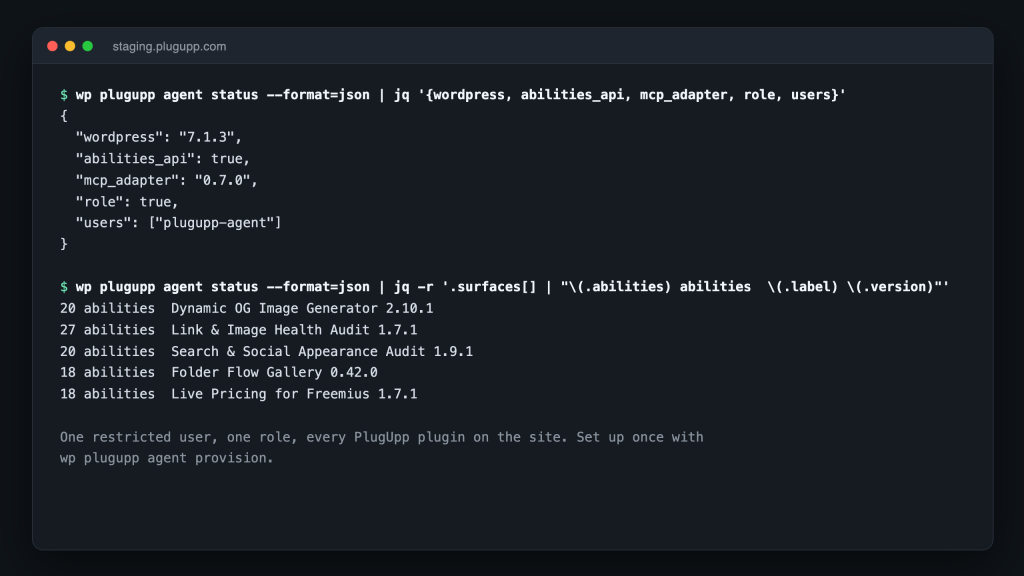
Set up and check our WordPress plugins with an AI agent
Published October 17, 2026
Our WordPress plugins now expose their operations to AI agents through the WordPress Abilities API and WP-CLI: configure, populate and check each plugin from one file, with a dry run and a named report every time.
-
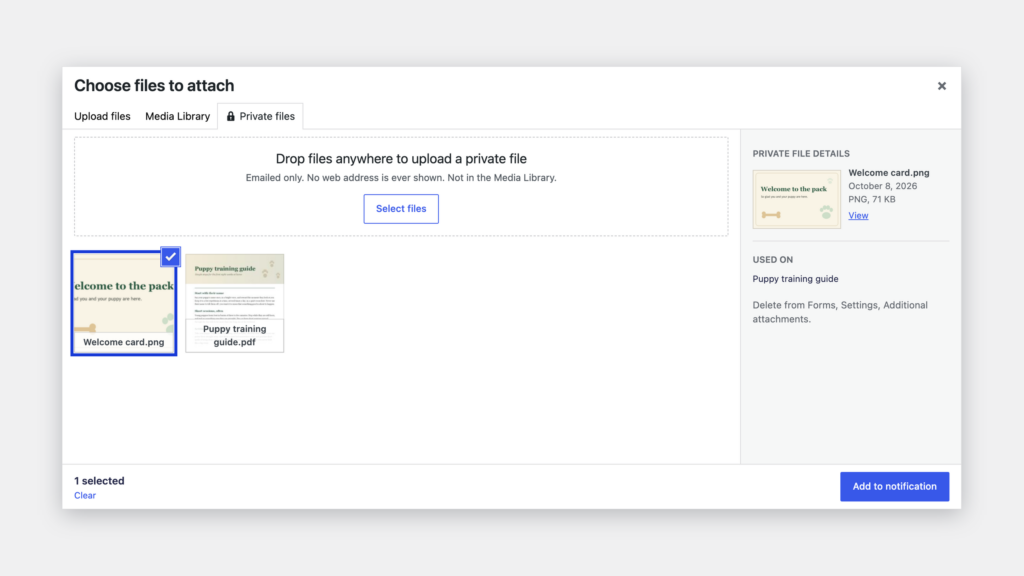
Notification attachments for Gravity Forms: brochures, price lists and private files
Published October 11, 2026
Gravity Forms notification attachments for files you already have: a fixed brochure or price list, each page’s own files from one form, and private files never shown by address.
-
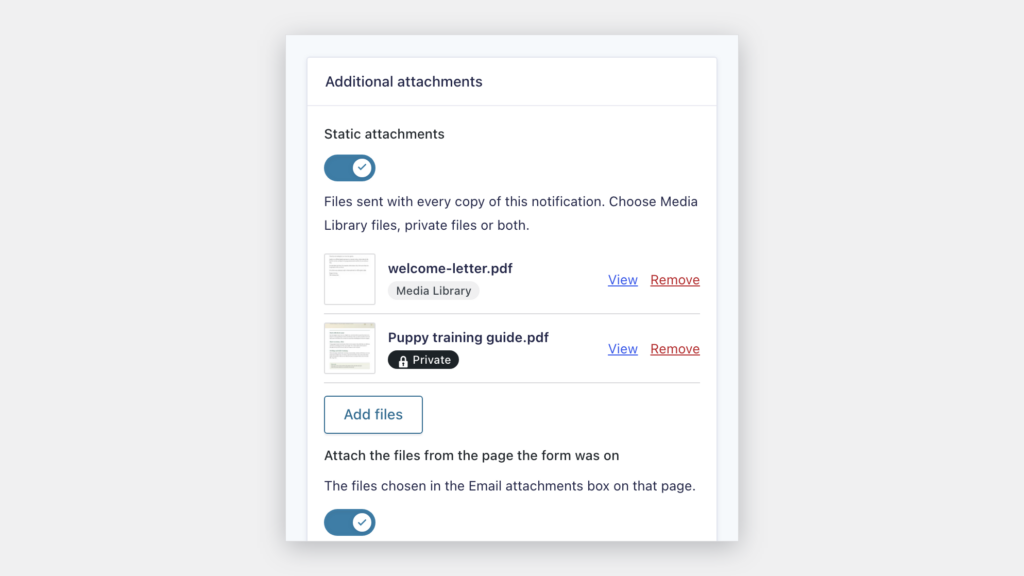
How to attach a PDF to a Gravity Forms notification
Published October 11, 2026
Attach a PDF to a Gravity Forms notification: a brochure, a price list or a guide from the Media Library, sent with every email, or a private file never shown by address.
-
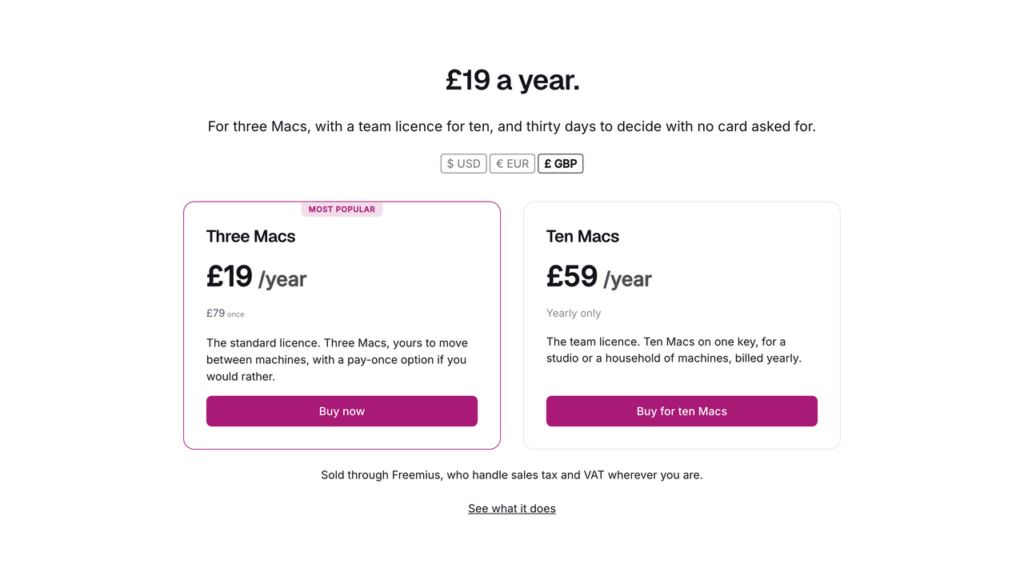
How to show live Freemius prices on your WordPress site
Published October 10, 2026
Show live Freemius prices on your WordPress site with a block or a shortcode: bound to the Freemius dashboard, refreshed within seconds of a change, and shown in each visitor’s own currency.
-
A Freemius pricing table for WordPress that never goes stale
Published October 10, 2026
Build a Freemius pricing table for WordPress from live pricing cards, so every price, plan name, feature, yearly saving and buy button follows the Freemius dashboard instead of a typed figure.
-
How to find broken images on a WordPress site
Published August 14, 2026
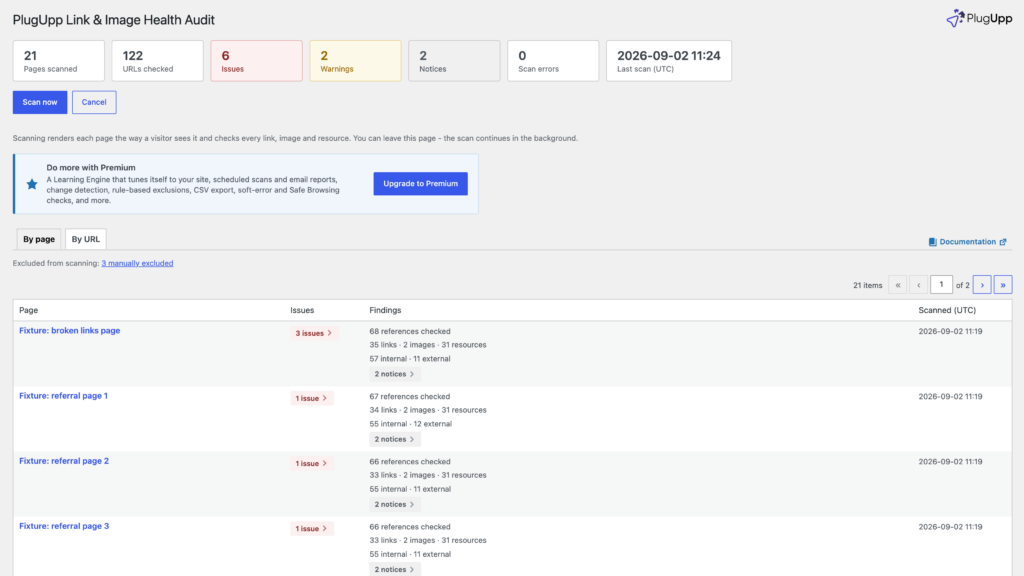
Find broken images on a WordPress site with a broken image checker that reads the page your visitors are served, theme and page builder included, and fix each one at its source.
-
Is your WordPress site ready for AI search? What to check
Published August 5, 2026
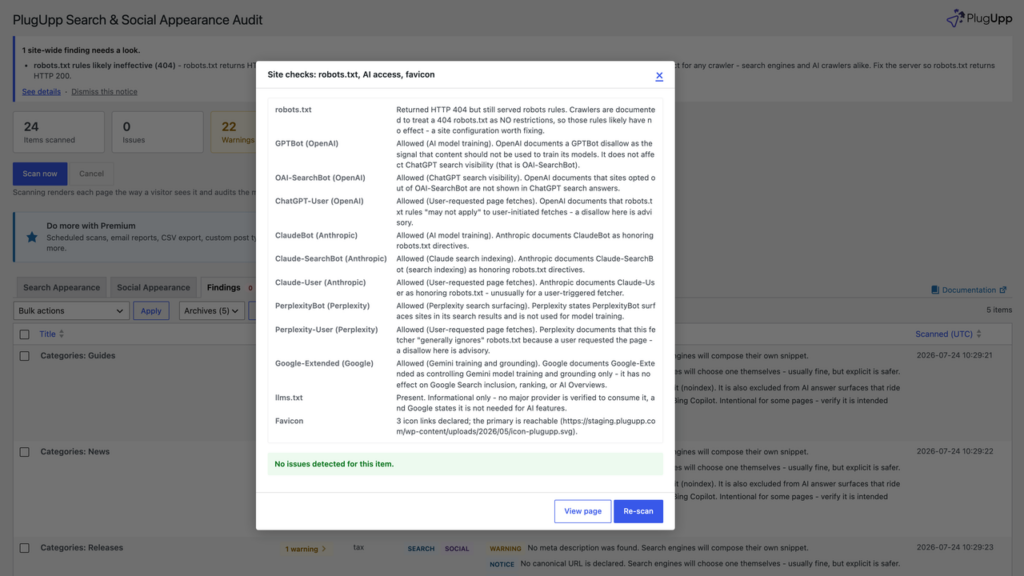
An AI readiness check for WordPress: which AI crawlers your robots.txt allows or blocks, and the page directives that limit how your pages can appear in AI answers.
-
How to find mixed content on a WordPress site, and fix it
Published July 31, 2026
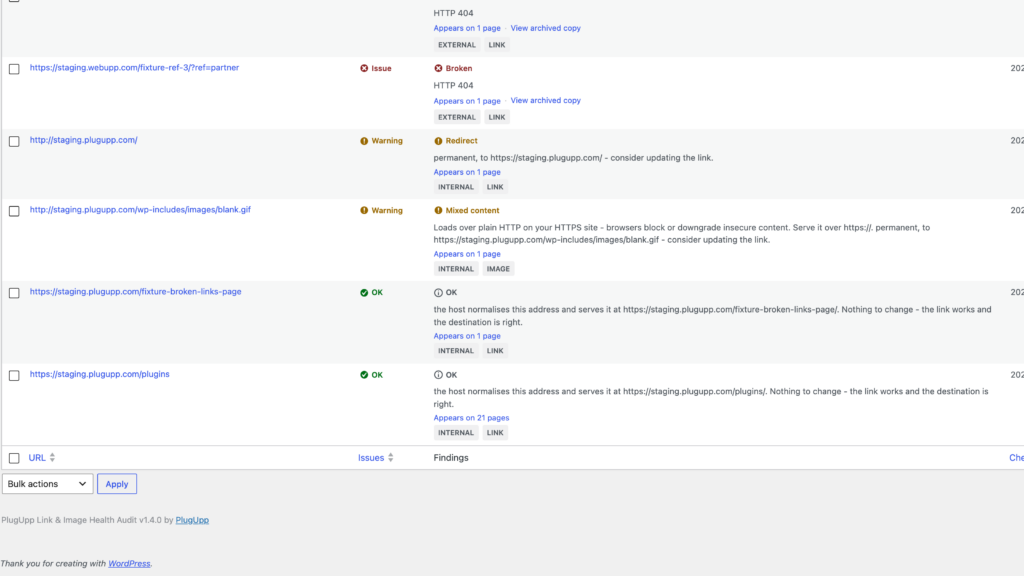
Find mixed content on a WordPress site with a mixed content checker that reads the rendered page, see where each insecure reference comes from, and fix the common causes.
-
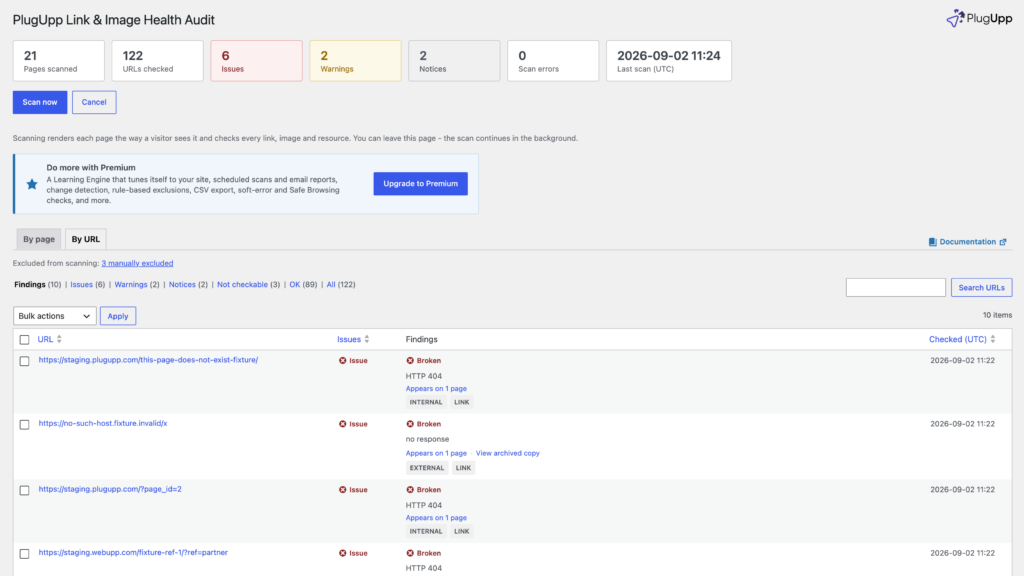
A broken link checker that runs on your own server, with no quota
Published July 17, 2026
A broken link checker that runs on your own server, with no quota: rendered pages, fewer false positives, and scheduled scans and email reports on Premium.
-
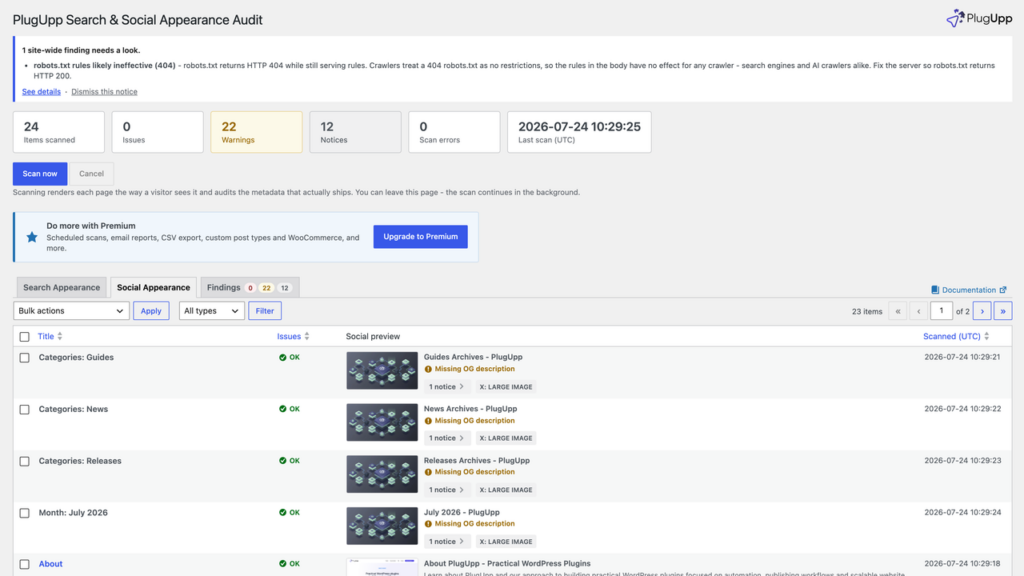
How to check your Open Graph tags before you share a page
Published July 8, 2026
An OG preview for every page before you share it: what og:title, og:description, og:image and the X card do, why a share looks wrong, and how to fix and re-check each page.
-
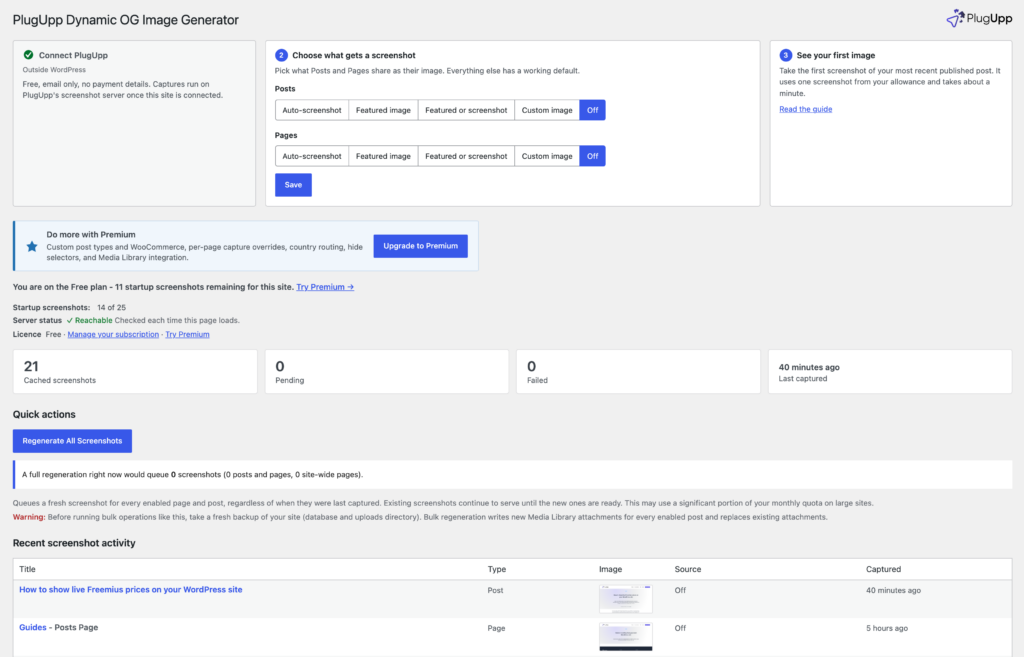
Use a screenshot of the page as its Open Graph image
Published July 4, 2026
Use a real screenshot of each page as its Open Graph image: how captures run in the background, how to check one, the screenshot allowance, and how it sits with your SEO plugin.
-
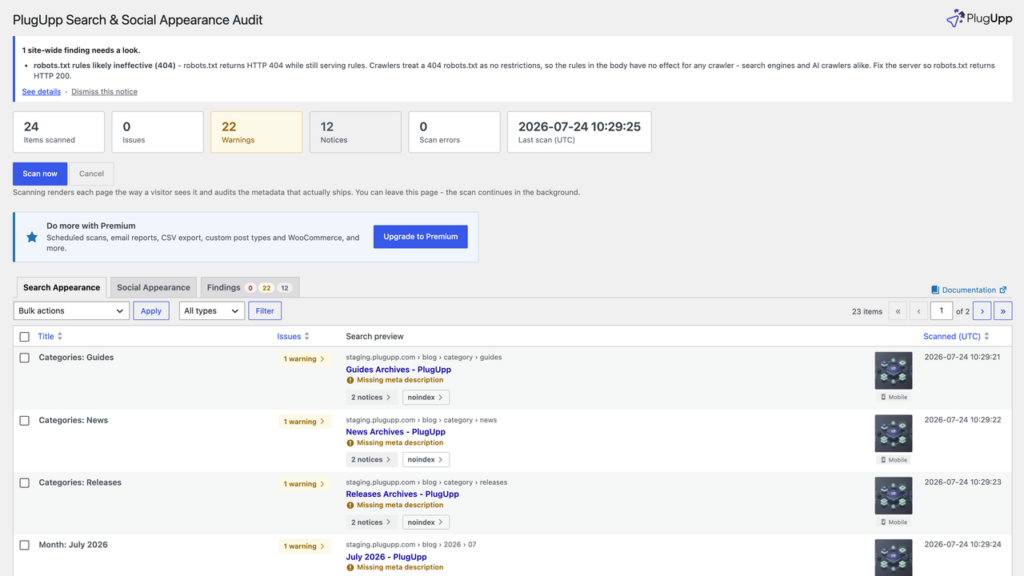
How to preview your WordPress pages in Google search results, all at once
Published June 24, 2026
A SERP preview for every page on your WordPress site at once: each title and description as search engines read them, with truncation, missing fields and what to fix first.
